Introduction
Manual invoicing may seem manageable when a business is small. A few sales, a limited customer base, and one operating location can make spreadsheets, handwritten invoices, or basic billing documents appear sufficient.
As the business grows, however, invoicing becomes connected to nearly every important operation: sales, inventory, accounts, tax reporting, customer service, and management decisions. When these processes remain manual, small delays and errors can quickly become expensive problems.
For businesses in Karachi, especially retailers, wholesalers, distributors, manufacturers, pharmacies, restaurants, and multi-branch operations, the transition from manual invoicing to an integrated digital system is not simply a technology upgrade. It is a way to improve control, reduce repetitive work, and prepare the business for digital compliance requirements.
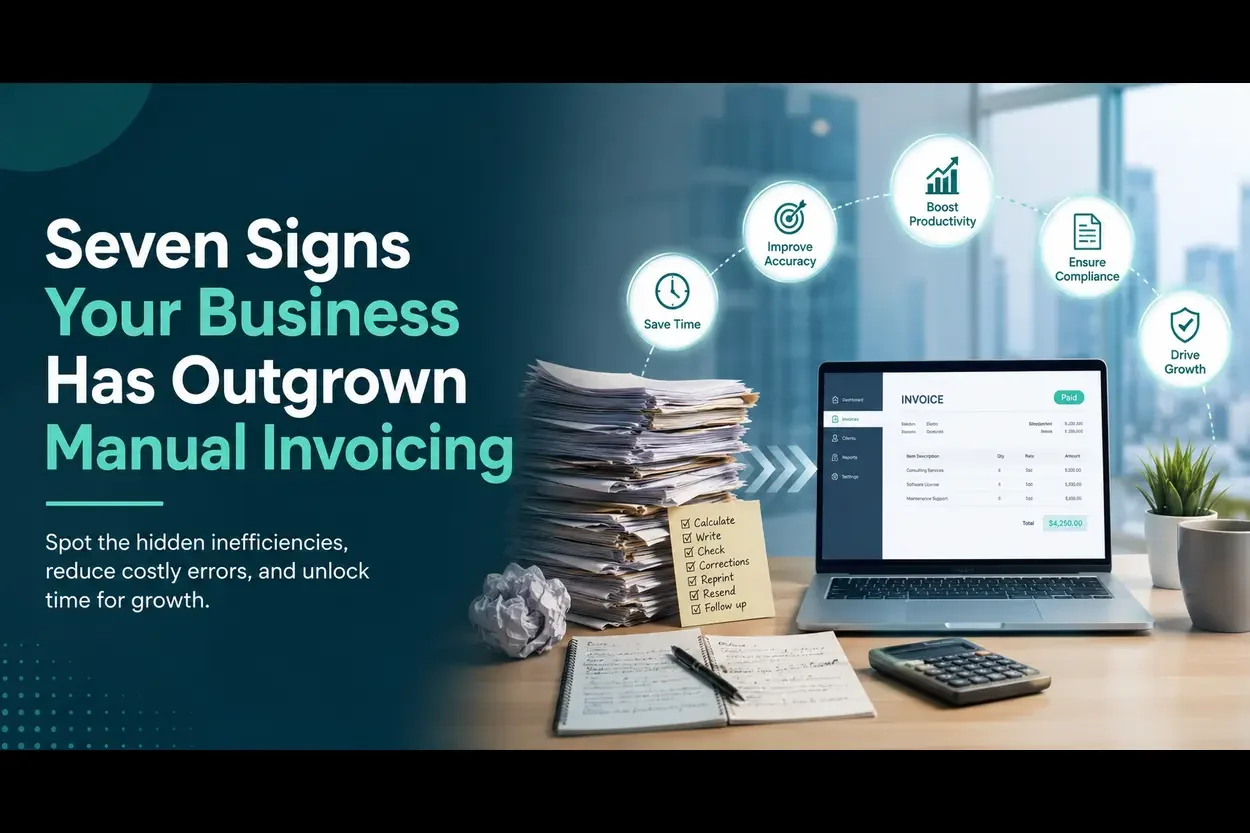
Here are seven signs that your business has outgrown manual invoicing.
1. Your Team Spends Too Much Time Preparing and Correcting Invoices
If employees repeatedly copy customer details, product information, prices, tax amounts, and payment terms into invoices, your business is spending valuable time on work that software can automate.
The problem becomes more serious when invoices need to be corrected. A small error in a product code, quantity, discount, tax calculation, or customer address can require an invoice to be cancelled and recreated. The more invoices your business generates, the more time your team loses to checking and rechecking information.
Manual work also creates a dependency on individual employees. If the person responsible for billing is absent, invoice processing may slow down or stop altogether.
A practical warning sign: your staff could describe invoice preparation as one of the most repetitive tasks in the business.
An automated invoicing system can use stored customer, product, and pricing information to reduce duplicate data entry. It can also apply defined rules consistently and create a more reliable audit trail.
2. Invoice Errors Are Affecting Customer Relationships
Customers expect invoices to be accurate, clear, and delivered on time. Repeated errors can damage trust, delay payments, and create unnecessary disputes.
Common manual invoicing errors include incorrect quantities, duplicate invoice numbers, missing tax details, wrong prices, inaccurate discounts, and mismatches between the invoice and the goods delivered. In wholesale and distribution businesses, even a small mistake can affect an entire order or customer account.
Errors are particularly disruptive when a business operates several branches. If each branch follows its own billing process, management may struggle to identify where a mistake occurred or which version of a document is correct.
A connected invoicing system can standardise invoice formats, retain transaction records, and help staff work from the same product and customer data. It can also make it easier to trace changes and resolve customer questions.
3. Your Sales, Inventory, and Accounting Records Do Not Match
One of the clearest signs that manual invoicing is no longer suitable is a mismatch between sales records, stock levels, and accounts.
For example, a retailer may record a sale in a notebook, update stock in a spreadsheet later, and send transaction details to the accountant at the end of the week. During this delay, the business may not know its actual inventory position. A distributor may issue an invoice without immediately updating warehouse records. A restaurant may see daily sales totals that do not align with purchases or ingredient usage.
These gaps make it difficult to answer basic management questions:
- How much was sold today?
- Which products are moving quickly?
- Which customers have outstanding balances?
- What stock is available at each branch?
- Do the sales records agree with the accounting records?
An integrated ERP, POS, or invoicing solution can connect transactions with inventory, finance, and reporting. NatureTech’s solutions are designed to connect digital invoicing with ERP, POS, inventory, reporting, and other business processes.
4. You Are Struggling to Manage Multiple Branches or Locations
Manual invoicing becomes increasingly difficult when a business expands from one location to several.
Each branch may use different invoice templates, numbering systems, spreadsheets, or paper records. Head office may receive reports at different times and in different formats. Comparing branch performance then requires manual consolidation, which creates delays and increases the risk of inaccurate reporting.
A growing Karachi retail group, pharmacy network, restaurant chain, or distribution company may need to monitor sales and invoices across locations while still allowing each branch to serve customers quickly. This requires central visibility without forcing every branch to operate through a slow administrative process.
A centralised system can support multi-branch transactions, standardise billing processes, and provide management with more timely reports. It can also help prevent duplicate invoice numbers and improve control over user access.
A practical warning sign: you need several spreadsheets or repeated phone calls to determine how different branches are performing.
5. Invoice Follow-Up and Payment Collection Are Becoming Difficult
Manual systems often make it hard to track which invoices have been issued, viewed, paid, partially paid, disputed, or left overdue.
When invoice records are stored across paper files, email attachments, WhatsApp messages, and spreadsheets, the accounts team may spend more time searching for information than following up with customers. Important payment reminders can be missed, and management may not have a reliable view of outstanding receivables.
Delayed collection affects cash flow. Even profitable businesses can face pressure when customers pay late and the company cannot quickly identify overdue accounts.
Digital invoicing and integrated reporting can help businesses maintain a clearer record of invoice status and customer balances. Automated reminders, customer histories, and receivables reports can make payment follow-up more systematic.
Automation does not eliminate the need for a strong credit policy or professional customer communication. It gives the finance team better information so that they can act sooner.
6. Preparing Tax and Compliance Reports Requires Last-Minute Effort
If your team spends the end of every reporting period gathering invoices, checking totals, correcting records, and reconciling sales data, manual invoicing may be creating a compliance risk.
Pakistan’s Federal Board of Revenue maintains official resources covering digital invoicing legal provisions, technical assistance, API documentation, user manuals, FAQs, and licensed integrators. Businesses that need to integrate with FBR should confirm their current obligations and technical requirements through the latest official information.
The operational lesson is broader than any single rule or deadline: invoice data should be accurate, structured, retrievable, and transmitted through an appropriate process. Manual records make it harder to produce consistent reports and respond confidently to queries.
An FBR-connected digital invoicing solution can support automated invoice transmission, validation, reporting, and error handling. NatureTech identifies itself as an FBR Official Licensed Integrator and offers digital invoicing integration for ERP, POS, and business systems.
This article is general business information, not legal or tax advice. Requirements can change, so businesses should verify their specific position with the latest FBR guidance or a qualified adviser.
7. Management Cannot Get Reliable Information When Decisions Are Needed
Manual invoicing does not only affect the accounts department. It can limit the entire organisation’s ability to make timely decisions.
Business owners and managers may be unable to see current sales, revenue, inventory, customer activity, branch performance, or unpaid invoices without waiting for someone to prepare a report. By the time the report is ready, the information may already be outdated.
This affects decisions such as:
- Which products should be reordered?
- Which branch needs support?
- Which customers are purchasing less frequently?
- Where are discounts reducing margins?
- Which sales representatives or channels are performing best?
- How much cash is expected from outstanding invoices?
Integrated analytics can turn invoice and transaction data into more useful management information. NatureTech’s service offering includes analytics dashboards, sales tracking, inventory insights, customer trends, financial performance tracking, and custom reports.
If important decisions depend on manually prepared reports, the business may have outgrown its invoicing process even if the current system still appears to function.
What Should You Do If You Recognise These Signs?
You do not necessarily need to replace every system immediately. A practical transition begins with an assessment of the current workflow.
First, document how an invoice is created, checked, delivered, recorded, and reconciled. Identify where staff enter the same information more than once. Then review the most common errors, the systems that need to exchange data, the reports management needs, and the compliance requirements relevant to the business.
Next, decide whether you need standalone digital invoicing, POS integration, an ERP platform, or a combination of systems. A retail shop with one location may have different requirements from a Karachi distributor with several warehouses or a pharmacy group managing batch and expiry information.
Before selecting a provider, ask practical questions:
- Can the system integrate with the existing POS, ERP, or accounting software?
- Does it support the business’s number of branches, users, products, and transactions?
- How are invoice errors identified and corrected?
- What reporting and inventory features are included?
- How is customer and transaction data secured?
- What onboarding, training, and ongoing support are provided?
- How does the solution address current FBR digital invoicing requirements?
Manual Invoicing versus Integrated Digital Invoicing
| Business Need | Manual Invoicing | Integrated Digital Invoicing |
|---|---|---|
| Invoice preparation | Repeated data entry | Reusable customer and product data |
| Accuracy | Dependent on individual checks | Standardised fields and validation |
| Inventory visibility | Often delayed or separate | Connected to sales and stock records |
| Multi-branch reporting | Manual consolidation | Centralised reporting and dashboards |
| Payment follow-up | Spreadsheets and scattered records | Invoice status and receivables tracking |
| Compliance preparation | Time-consuming reconciliation | Structured records and automated workflows |
| Management insight | Delayed reports | More timely analytics |
The right solution depends on the business’s size, industry, existing software, transaction volume, and regulatory situation. The objective is not automation for its own sake. The objective is to create a reliable flow of information from sale to invoice, inventory, accounts, reporting, and compliance.
Conclusion
Your business may have outgrown manual invoicing if your team is spending excessive time preparing invoices, correcting errors, reconciling sales and inventory, managing branches, following up on payments, preparing compliance reports, or waiting for information before making decisions.
These problems usually become more visible as the business grows. More customers, products, branches, transactions, and reporting requirements make manual processes harder to control.
NatureTech helps businesses explore digital invoicing, POS integration, ERP, analytics, and business-process automation. Its DigiTex solution is positioned for FBR digital invoicing integration, while its Smart ERP and POS solutions connect operational processes with billing, reporting, and business management.
Ready to find out whether your business is ready for automated invoicing? Book a free demo with NatureTech or contact the team at consult@naturetech.ltd.
Important: FBR requirements and technical procedures may change. Always verify current obligations and implementation requirements through official FBR resources or a qualified tax professional.
FAQs
How do I know if my business is ready to move away from manual invoicing?
If your team regularly re-enters the same customer or product data, struggles to reconcile sales with inventory, or cannot produce up-to-date reports without manual effort, these are common indicators covered in the signs above.
Is switching from manual invoicing a large, disruptive project?
Not necessarily. A practical transition typically starts with documenting the current invoicing workflow and identifying the most common pain points before selecting standalone invoicing, POS integration, or a full ERP platform.
Does automating invoicing remove the need for a credit and collections policy?
No. Automation improves visibility into invoice status and receivables, but a strong credit policy and professional customer communication are still needed for effective payment follow-up.